Online mockup maker
Create Professional Mockups in Seconds with EasyMock
Click the garment, pick its colour, set the scene and pose — and generate one-of-a-kind mockups in seconds. Make the mockups for your online shops with EasyMock and stay a step ahead of the competition.
Pay per mockup · No subscription · No extra fees

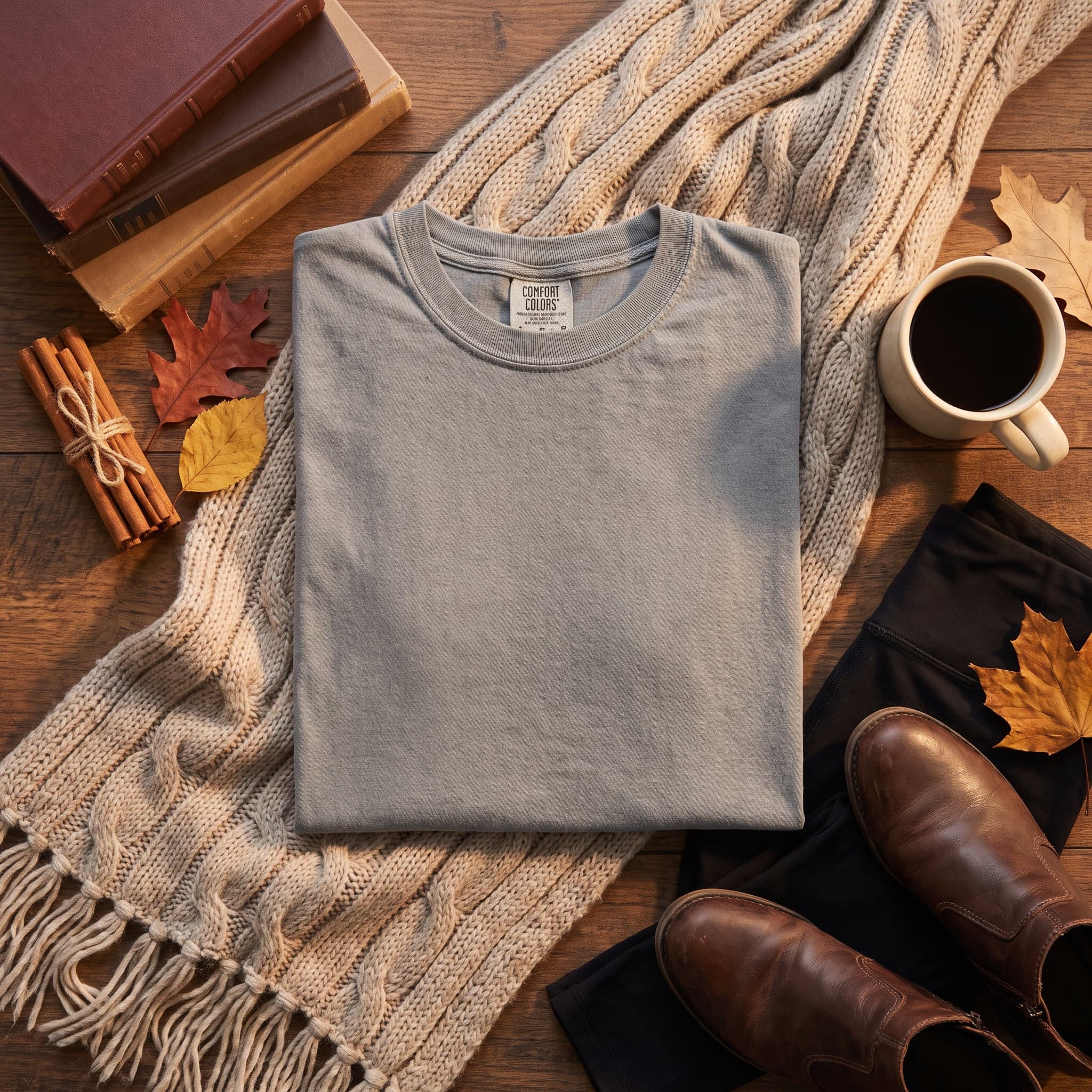
How do you make a mockup with EasyMock?
- 1
Pick the Garment and Options
Garment, colour, model, pose, scene, accessories — all of it in one click. Nothing to write, nothing to copy and paste.
- 2
Generate Your Image
Once your choices are made, hit Generate and your image is ready within seconds.
- 3
Download and Place Your Design
Download the image right away and place your design on it. Get ahead of the competition with natural-looking mockups that are yours alone.
Examples
Distinctive, natural-looking, professional-quality mockups — now yours with EasyMock!
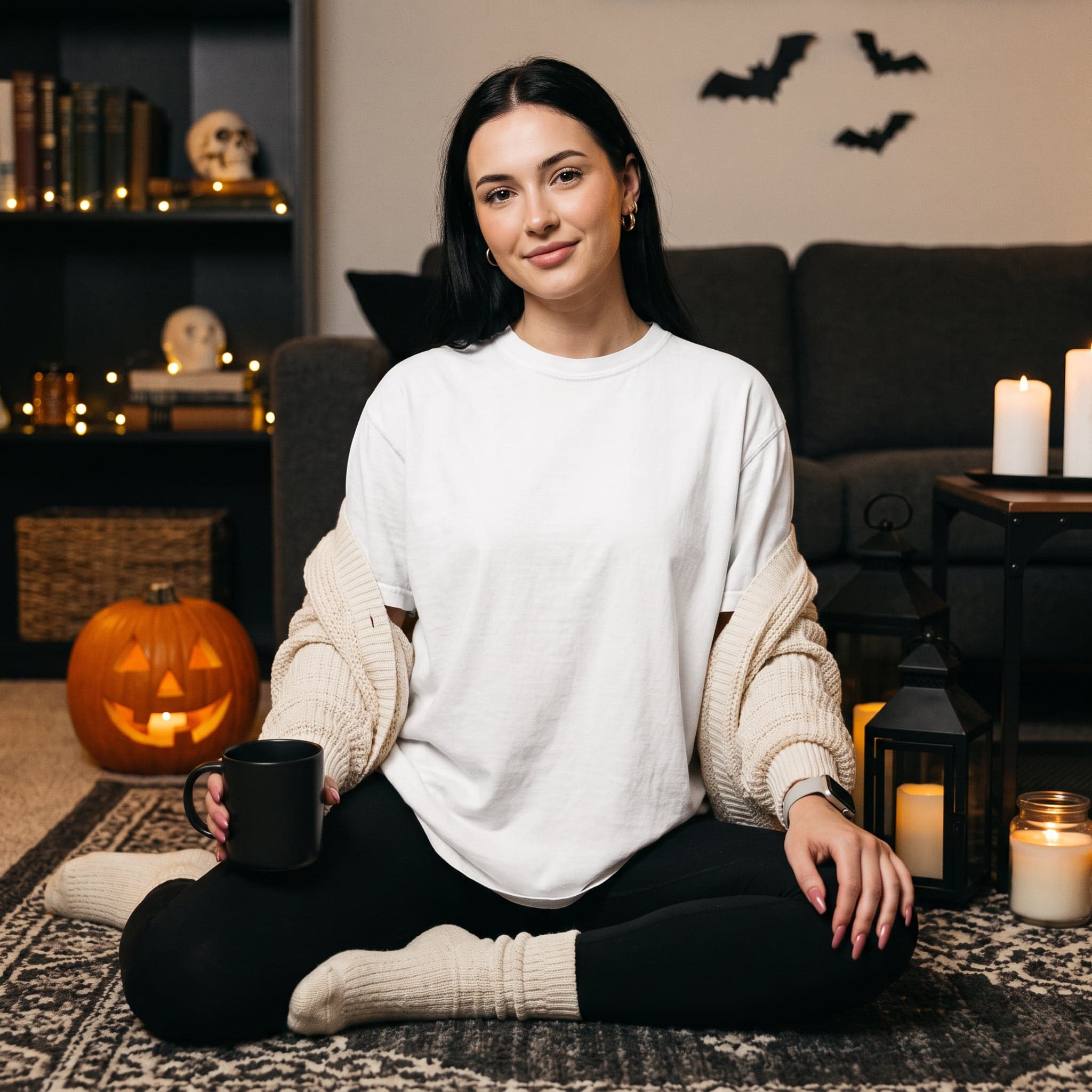
CC 1717
White · Halloween

CC 1717
White · Winter
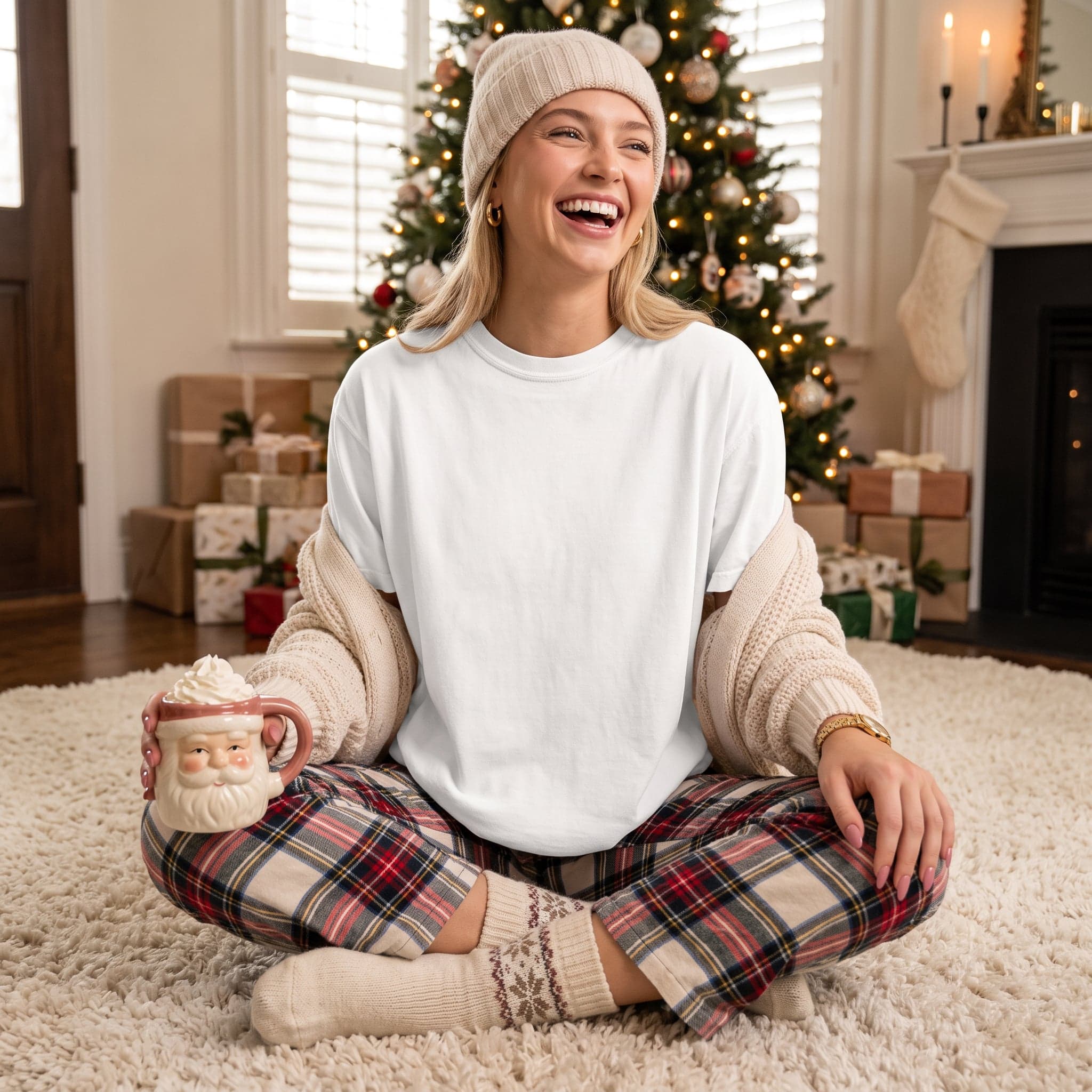
CC 1717
White · Christmas
EasyMock, for images that look distinctive and natural
EasyMock was built so you can generate mockups in different themes and poses to suit your needs. With fully realistic mockups generated in natural settings, you can create listings that stand out.
Comfort Colors 1717 colours
One garment for now: Comfort Colors 1717 and the 17 colours in its catalogue. Each colour is matched to a reference photo of the real fabric, so the colour in the mockup is the colour your customer receives.
Indoor and outdoor scenes
City streets, the beach, a café or a home… Indoors or outdoors, pick the one you want from dozens of settings and build your mockup around it.
Model and pose options
Choose the model's hair colour, skin tone, setting and pose, and generate your mockup right away. Or use the model-free options to put the garment alone in the spotlight.
Accessories and styling
Enrich your mockup with hats, sunglasses, beanies and other accessories, and make the image work harder for niche listings.
Sized for listing rules
You never have to resize what you generate. Images come out at dimensions that fit marketplace listing rules and are ready to use straight away.
What Do EasyMock Packs Cost?
There is no monthly subscription and no fixed fee at EasyMock — you pay as you go. Every mockup you generate comes off your credit balance.
Get in touch
We keep improving EasyMock, so your feedback means a lot to us. Have a question or a suggestion about EasyMock? Please get in touch — we will get back to you as soon as possible so we can serve you better.
Email Ussupport@easymock.app
Your first mockup is 30 seconds away
Create your account, pick a credit pack and generate your first listing image.
Start Now